 MatchGrain
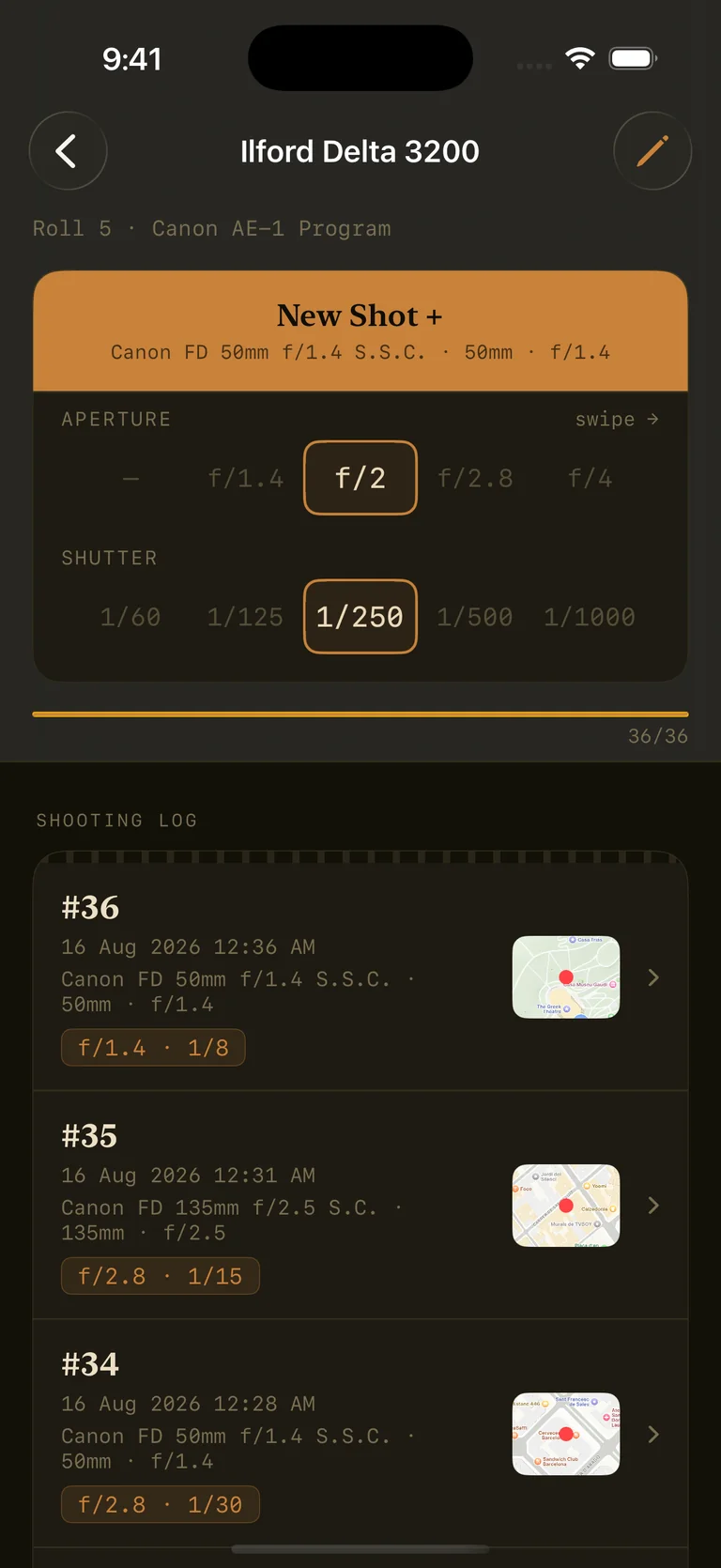
Open a roll, choose lens, add a frame, optionally note important details. Seconds per shot.
Film cameras don't record dates, locations or settings. MatchGrain logs every frame as you shoot — then writes real metadata back into your scans.
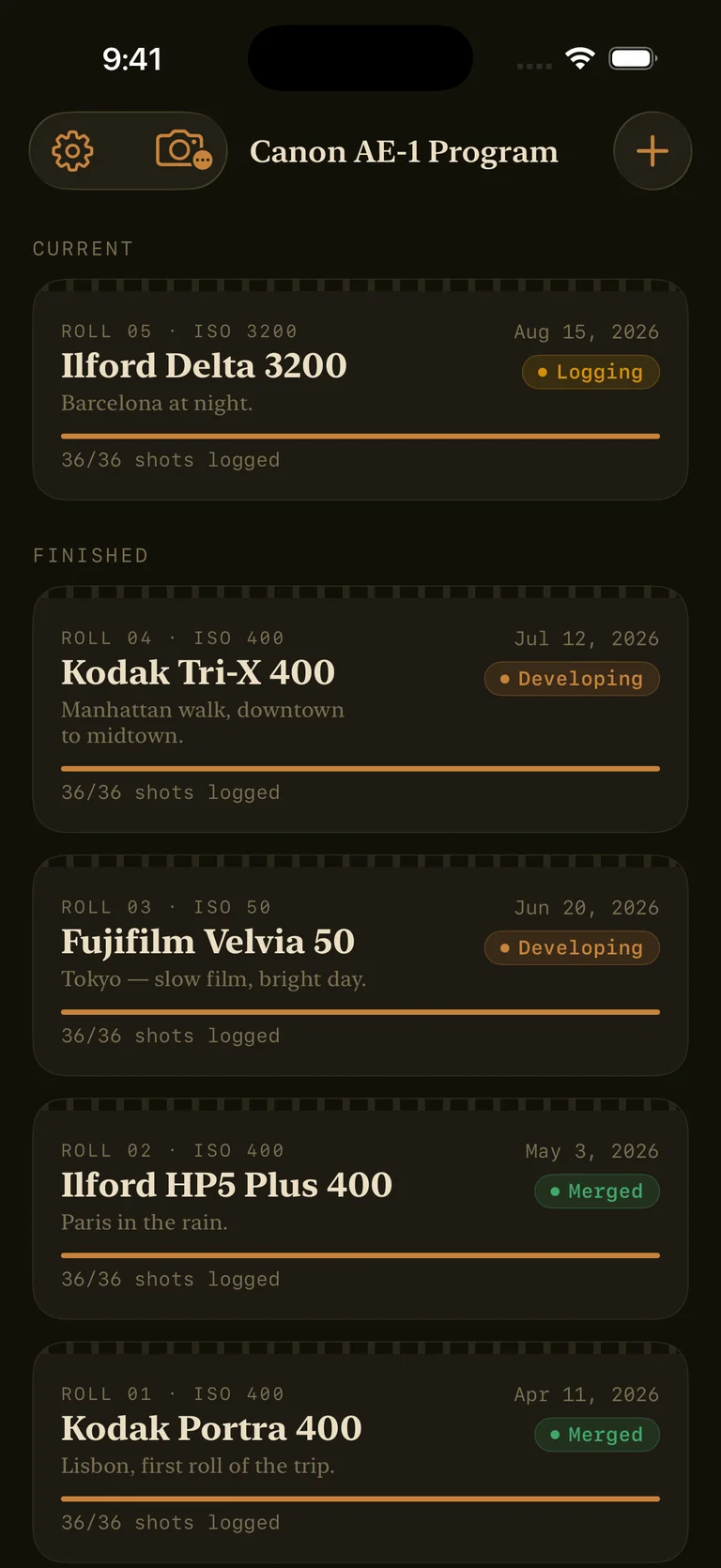
When a film comes back from the lab, every frame carries the same wrong date and no location. No camera, no lens, no exposure. MatchGrain closes the gap between the shutter and the scan — so a roll shot in Rome in April actually says so.
Open a roll, choose lens, add a frame, optionally note important details. Seconds per shot.
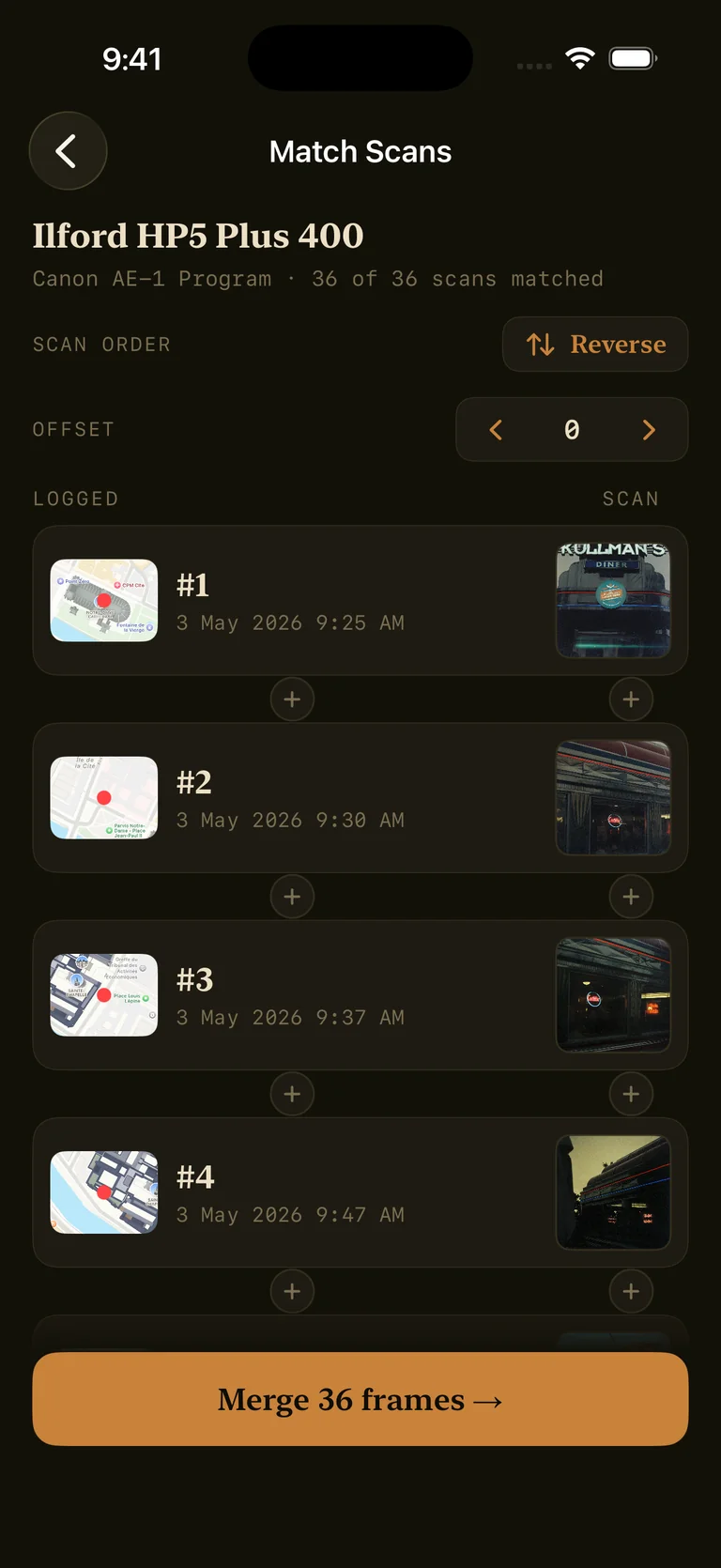
Select folder with developed scans. It lines them up against your log where you can edit to match them perfectly.
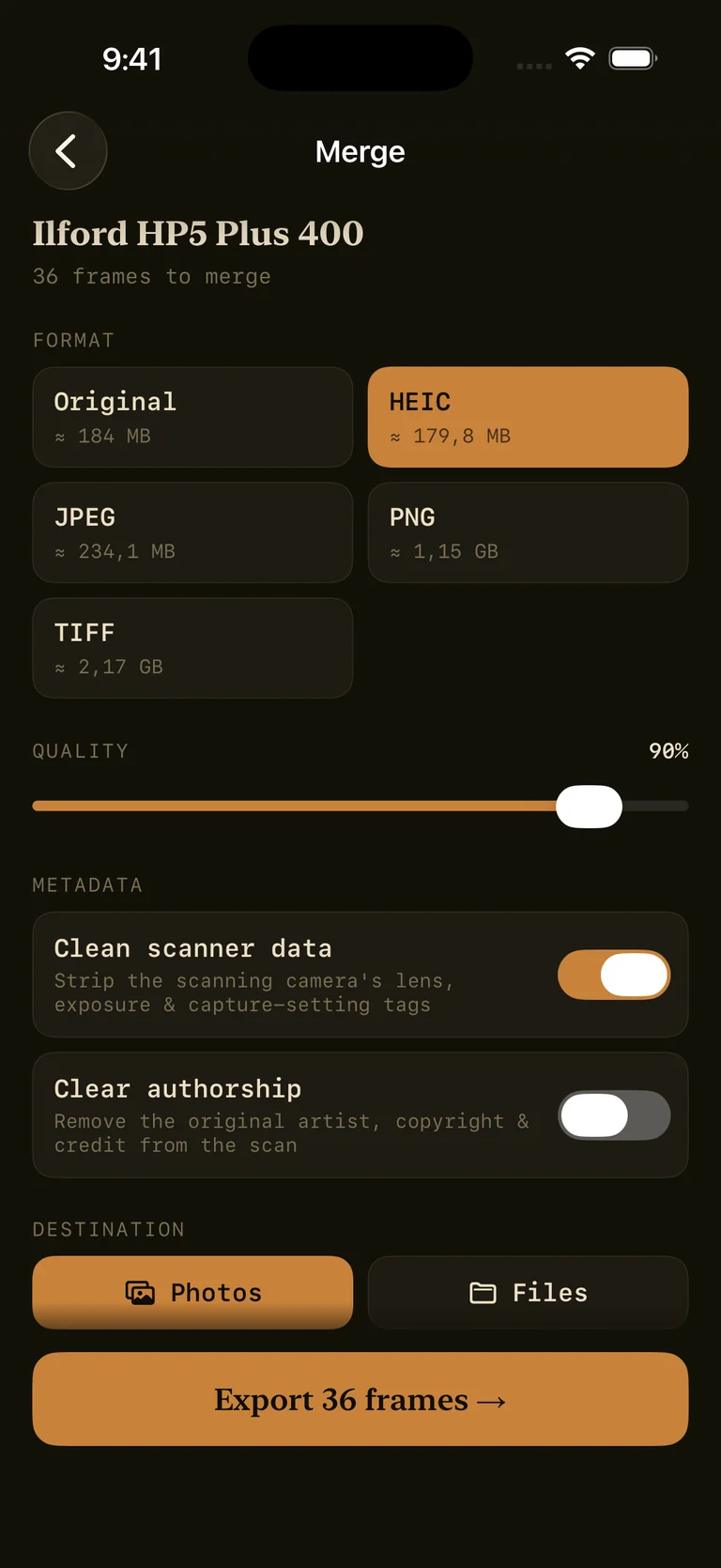
Process the roll and every scan gets real date, camera and location - saved to your library or into files.
Date, time, location, ISO, shutter and aperture — captured for every exposure, the moment you take it.
Save your bodies and glass once. Attach the right setup to any roll in a single tap.
Scans are auto-paired to your log by sequence, with offset correction for blank frames and false starts.
MatchGrain writes date, time, GPS and full EXIF directly into each scanned image file.
Processed frames land in your photo library — properly dated, placed and searchable.
Track any format and any frame count, from a 24-exposure roll to medium format.